How to Dub YouTube Videos in 2026: A Creator's Guide
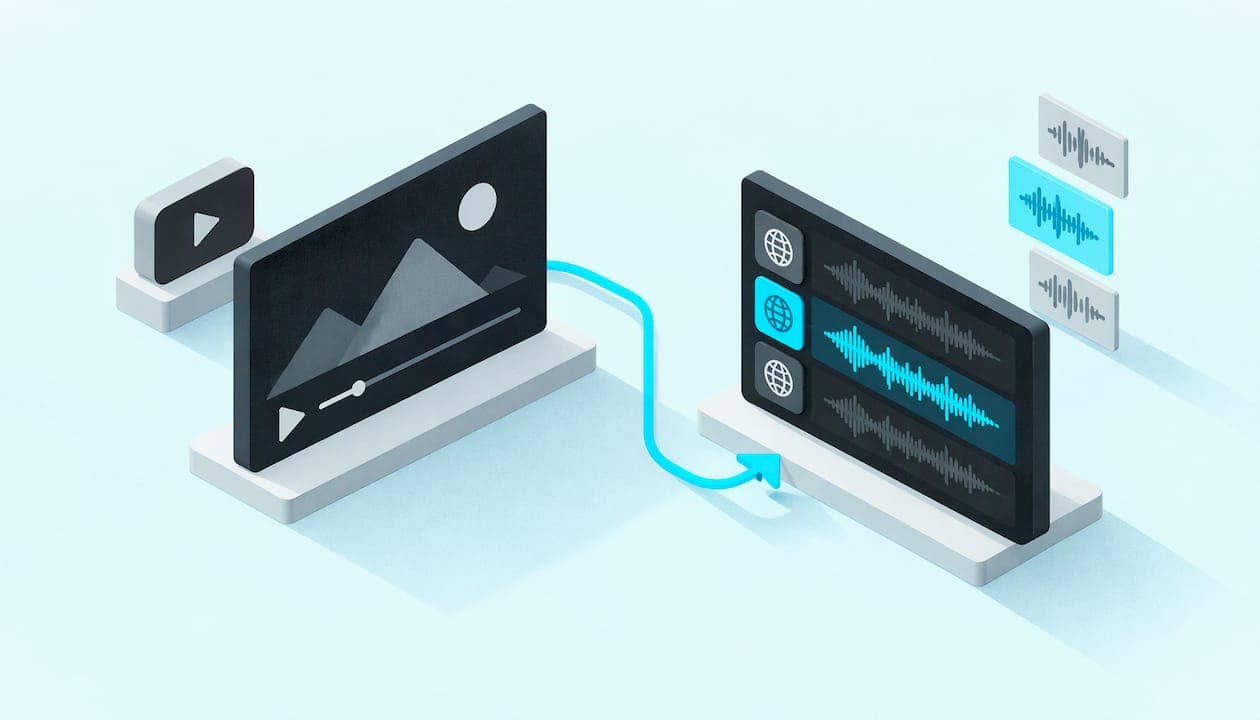
To dub a YouTube video, you translate its speech, generate or record the audio in the new language, and attach it to the same video as an extra audio track, so viewers pick their language without leaving your channel. The result that matters most is a dub that still sounds like you. With DubEnvoy, you can dub video into more than 50 languages while preserving your original voice, tone and emotion, and the workflow is designed to take minutes rather than weeks.
This guide is for creators, educators, marketers and businesses who want international viewers. It covers what dubbing is, what YouTube does automatically, how to add your own dubbed tracks, and how to check whether the dubs are working.
TL;DR
- Dubbing replaces the spoken audio with a translated version, unlike subtitles, which leave the original audio and add text on screen.
- YouTube offers automatic dubbing in 27 languages, and you can also upload your own dubbed tracks to a video if your channel has access to Advanced features.
- A dub made with DubEnvoy keeps your voice, tone and emotion, and covers 50+ languages, with lip-syncing and subtitle generation available in the same studio.
- Prioritize one or two languages in depth first, then extend to your back catalog.
- Use the audio track filter in YouTube Studio to see watch time by language.
Table of Contents
- What dubbing a YouTube video actually means
- Why the audience is worth the effort
- Two ways to get a dub onto YouTube
- How to dub a YouTube video step by step
- How DubEnvoy fits the workflow
- Which languages to dub first
- Measuring whether dubs work
- Managing your dubs in YouTube Studio
- FAQ
- Sources
What dubbing a YouTube video actually means
Dubbing takes your original audio, translates it, and lays the new language over the video. YouTube describes its own version as translating the original audio into new languages and dubbing it over the video, so viewers follow along with the cadence of the original.
The difference from subtitles is attention. Dubbing replaces the original audio entirely, which means viewers do not split their eyes between the picture and the text. That matters most for tutorials, lectures, product walkthroughs and explainers, where people need to watch what you are doing while they listen.
Dubbing suits a few kinds of content especially well:
- Educational content. A teacher walking through a worked problem reaches international students in their own language, with the screen fully visible.
- Single-speaker videos. Clear, one-voice delivery translates cleanly.
- Marketing and product videos. A localized campaign feels native instead of imported.
- Evergreen channel content. A back catalog keeps earning views in new languages long after upload.
Why the audience is worth the effort
YouTube’s own guidance on multi-language audio reports that creators who added dubbed tracks saw over 25% of their watch time come from views in a language other than the video’s primary one. YouTube also reports that dubbed videos have no negative impact on viewer discovery, only potential upside.
Viewer demand is visible too. In December 2025, YouTube averaged more than 6 million daily viewers who watched at least 10 minutes of auto-dubbed content. For a business, that means an audience that would otherwise bounce at the first sentence in a language they do not speak.
Two ways to get a dub onto YouTube
There are two routes, and they work together.
- YouTube’s automatic dubbing. The platform generates translated tracks for eligible videos.
- Your own dubbed audio track. You produce the dub in a dubbing studio and upload it as an additional language track.
The second route is where you control the voice, the language list and the quality. It is the route we built DubEnvoy for.
What YouTube’s automatic dubbing covers
Automatic dubbing is enabled by default for eligible creators. You can switch it on or off under Settings, Channel, Advanced settings, with an option to review dubs manually before they publish. Dubbed videos carry an “auto-dubbed” note in the description.
As of February 2026, YouTube supports 27 languages for all users, with Expressive Speech in eight: English, French, German, Hindi, Indonesian, Italian, Portuguese and Spanish. Expressive Speech is meant to capture a creator’s original emotion and energy. Viewers also get a Preferred Language setting to choose dubbed or original audio.
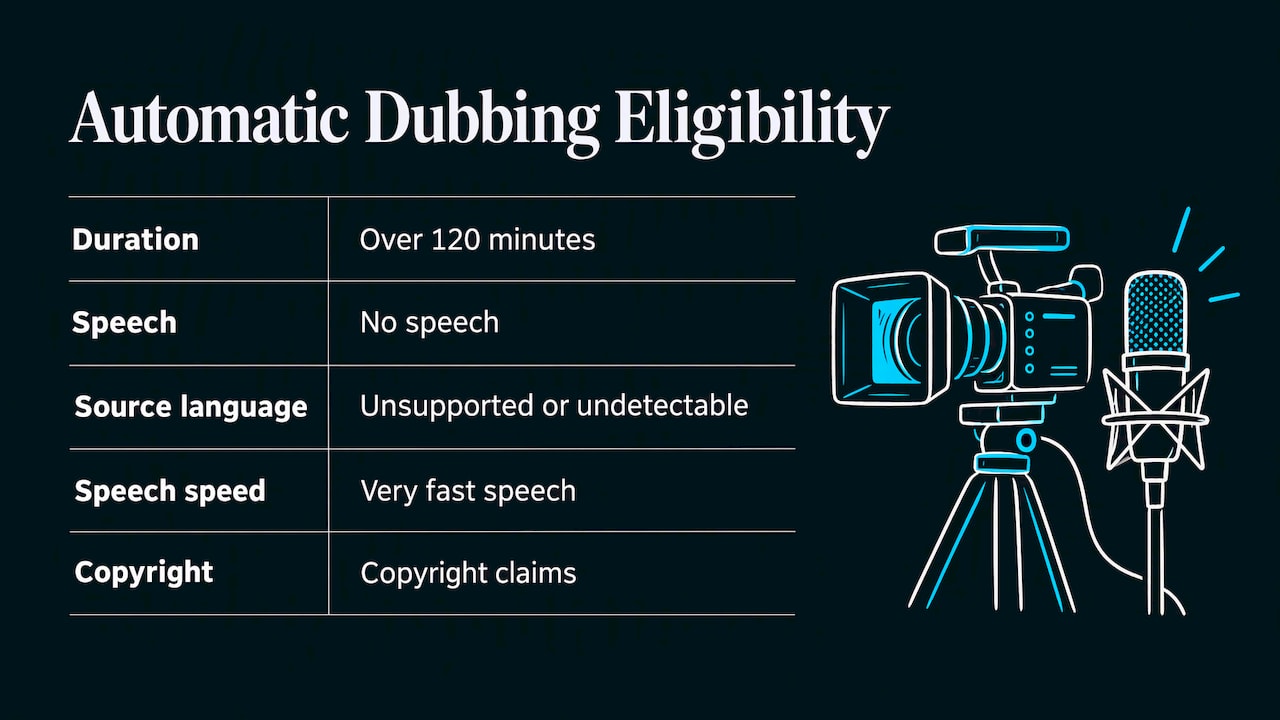
A video is eligible when it fits a few conditions. YouTube’s Help page lists these as ineligible: videos over 120 minutes, videos without speech, unsupported or undetectable source languages, very fast speech, and videos with copyright claims. The exact list for each video sits on the Languages page in YouTube Studio.
Why your own dubbed track is worth making
When you want a specific language, a cloned voice that sounds like you, or lip-synced video, you bring the dub yourself. With DubEnvoy you translate and dub video and audio into more than 50 languages, keep your voice, tone and emotion, and can add lip-syncing and subtitles in the same place. If your audience is in a language outside YouTube’s list, or you want the same voice on your YouTube channel, your course platform and your ads, one studio covers all of it.
How to dub a YouTube video step by step
Here is the full routine, with what each step takes and where it tends to go wrong.
Step 1: Pick the video and the language
Start with a video that already performs: one with steady views, clear single-speaker speech and lasting relevance. YouTube’s guidance is to prioritize depth in one or two languages and, if you have the resources, dub half or more of your back catalog.
Choose the language by looking at where your viewers already are. YouTube Analytics shows viewer geography, and comments in other languages are a strong hint. Where it goes wrong: spreading across ten languages with one video each. Viewers who find one dubbed video and no others do not stay.
Step 2: Clean the source audio
The quality of a dub follows the quality of the source. Speak clearly, avoid overlapping speakers, and keep background music below the voice. YouTube’s own advice to creators whose dubs underperform is the same: speak clearly and avoid overlapping speech. Videos that are mostly music or silent footage are a poor fit for any dub.
Step 3: Translate and generate the dubbed voice
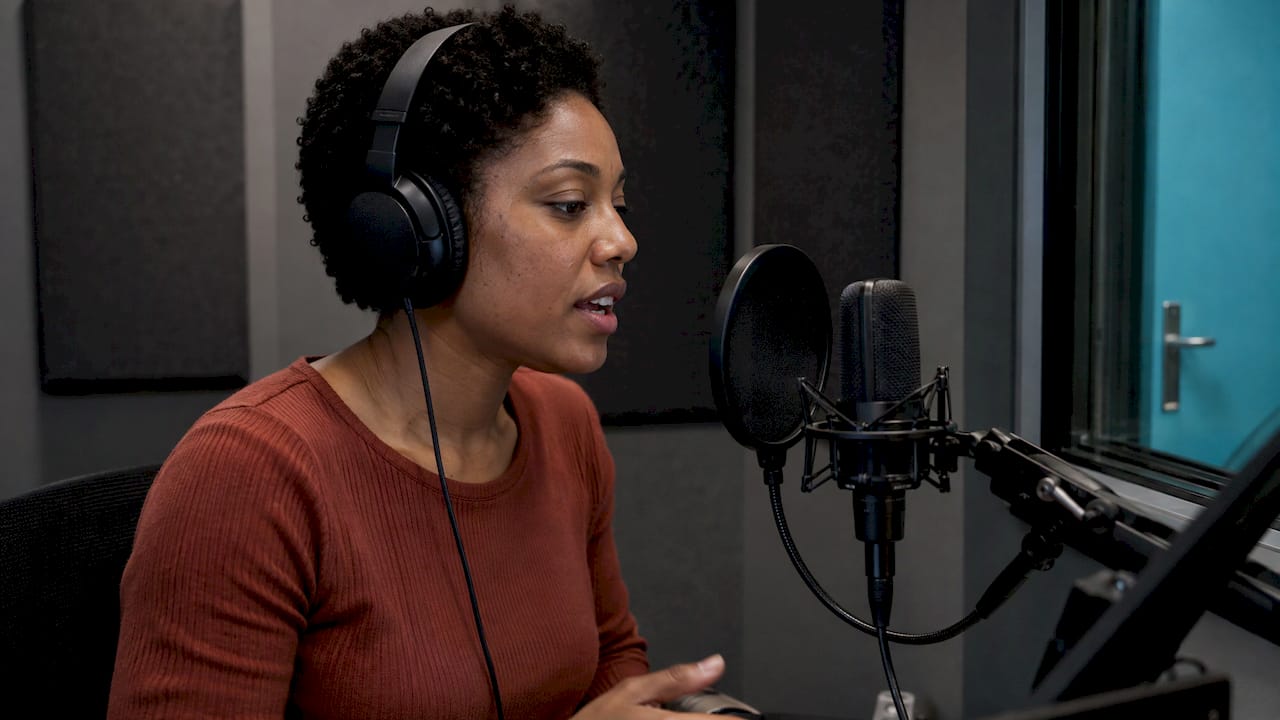
Upload the video to DubEnvoy, choose your target language, and let the studio translate the speech and generate the dub in a voice that preserves yours. The workflow is designed to produce localized content in minutes, with voice and media privacy safeguards.
What to watch for here, whichever way you work:
- Idioms and jokes. A literal translation can land flat. Read the translated script in the dubbing studio and adjust phrases that sound unnatural.
- Names, brands and technical terms. Decide in advance which stay in the original language.
- Length. Some languages take more words to say the same thing. Timing that runs long makes the voice rush.
Traditional dubbing means hiring translators, voice actors and an editor for each language, which is slow and costly. Doing the same through a studio that handles translation, voice and sync together removes those handoffs.
Step 4: Check the result before you publish
Listen to the first minute and the last minute in full. Check that your key terms are right, that the pace feels natural, and that the emotion matches the original. Then skim the middle at a few points. If the video features you on camera, lip-syncing in DubEnvoy aligns the mouth movements with the translated audio so the dub looks as natural as it sounds.
For a native-speaker check, ask a colleague, a student or a customer who speaks the language to give feedback on one clip before you roll out a whole series.
Step 5: Upload the track to YouTube
YouTube lets creators with access to Advanced features upload their own dubbed tracks. On desktop in YouTube Studio:
- Open the Languages section and click the video.
- Click Add Language and choose the language.
- Click Add next to Dub.
- Select your audio file and publish.
YouTube’s Help page says the file should be audio-only and roughly the same length as the video. If an automatic dub already exists in that language, delete it first, because you cannot upload your own track over it. Be aware that deleted auto dubs cannot be restored, whereas unpublished ones can be republished.
The same Help page warns that secondary tracks with different copyrighted content may be removed, so keep the dubbed track to the same material as the original.
Step 6: Localize the title, description and subtitles
A dub is found by people who search in their own language. Translate the title and description, and add subtitles in the same language. DubEnvoy generates subtitles, so you can produce them from the same translation as the dub and keep the wording consistent. YouTube’s product team also points to translated titles and descriptions as part of getting dubbed videos to perform.
How DubEnvoy fits the workflow
DubEnvoy is an AI dubbing studio for creators, educators, marketers and businesses. It translates and dubs video and audio into over 50 languages, preserves the speaker’s voice, tone and emotion, and offers lip-syncing and subtitle generation. Mobile apps, developer APIs and enterprise integrations are available for teams working at larger volume.
Plans are published on the pricing page:
| Plan | Price |
|---|---|
| Weekly Dub Plan | $4.99 per week |
| Monthly Dub Plan | $19.99 per month |
| Monthly Dub Pro | $34.99 per month |
| Enterprise & High Volume | Custom, no published price |
The weekly plan suits a single launch or a short batch of videos. The monthly plans suit a channel dubbing steadily, and the enterprise option is for agencies, broadcasters and teams needing API access or dedicated processing.
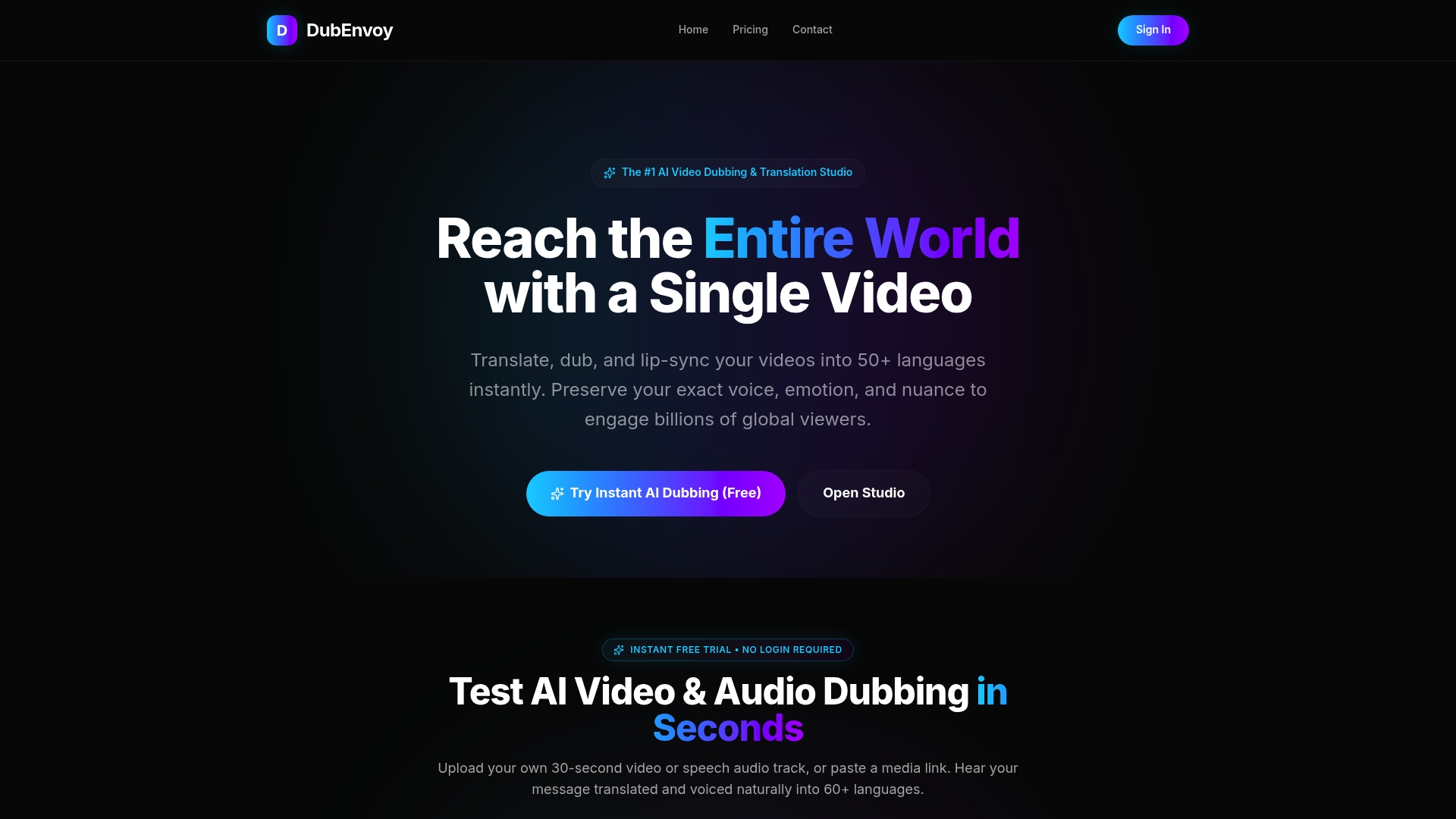
To dub your first YouTube video, open DubEnvoy, upload the video, and pick your language.
Which languages to dub first
Use your own data before any list. In YouTube Analytics, look at the countries and languages that already watch you, and at the comments you receive in other languages. Then match them to a short list of high-reach languages.
YouTube’s expressive dubbing languages are a useful reference for where the platform sees demand: English, French, German, Hindi, Indonesian, Italian, Portuguese and Spanish. For educators, the best choice is usually the first language of your international student body. For businesses, it is the language of the next market you plan to sell in.
Begin with one language and a handful of videos. Once you see watch time in that language grow, extend to the rest.
Measuring whether dubs work
After publishing, the work is mostly watching the numbers. YouTube’s Auto-Dubbing product manager says there is not much for a creator to do after first setup, and recommends using the audio track filter in YouTube Studio to see performance by language.
Here is a simple review routine for the first month:
- Watch time by audio track. Is the dubbed language adding hours, and is that share growing?
- Average view duration by language. If viewers leave early, the voice, pacing or translation may need work.
- Comments in the new language. They tell you quickly whether terms and tone land.
- Click-through on translated titles. Weak numbers point to a title that does not read naturally.
When a language underperforms, fix the source before the dub: clearer speech, less overlapping audio, better titles. Then redo the dub.
Managing your dubs in YouTube Studio
Managing dubbed tracks happens on a computer. Go to Content, choose the video, then Languages. From there you can preview a track, review its transcript, and publish, unpublish or delete it in the Audio column. Unpublished dubs can be republished, deleted ones cannot, so unpublish first if you are unsure.
If you replace a track, delete the old one and upload the new file. Keep your master dubbed audio files organized by video and language, so a replacement takes a minute rather than an afternoon.
FAQ
Can I dub a YouTube video I did not make?
Dub only videos you own or have permission to translate. Secondary audio tracks with different copyrighted content may be removed by YouTube, and uploading someone else’s work as a dub raises the same rights questions as re-uploading it.
Is dubbing better than subtitles?
The two do different jobs. Dubbing lets viewers keep their eyes on the screen, which suits tutorials and lectures, while subtitles help viewers who watch with sound off. Many creators publish both, and DubEnvoy generates subtitles alongside the dub.
How long does it take to dub a video?
With DubEnvoy, the workflow is designed to produce localized content in minutes. Your time goes mainly into choosing the language, reviewing the translation and uploading the track.
Does YouTube let me upload my own dubbed audio?
Yes, if your channel has access to Advanced features. In YouTube Studio on desktop, open Languages, choose the video, click Add Language, then Add next to Dub, and upload an audio-only file about the same length as the video. Delete any existing auto dub in that language first.
How many languages can I dub into?
YouTube’s automatic dubbing supports 27 languages. DubEnvoy translates and dubs into more than 50, so you can reach audiences beyond that list.
Sources
- How YouTube auto dubbing helps creators reach global audiences
- Unlocking a global audience with auto dubbing, YouTube Blog
- Use automatic dubbing, YouTube Help
- Add Multi-language features to your videos, YouTube Help